Hand your backlog to an AI coworker.
Leave with it working.

You tried Claude, asked it a few questions, and stopped. The missing piece isn't a better prompt. It's setup. In this live, hands-on workshop, we set up Claude on your laptop with your business context, then put it to work on the backlog you've been avoiding for months. No coding. No theory.

Old proposals to turn into templates. Meeting notes to turn into SOPs. A folder of drafts nobody finished.

Thursday, November 12, 2026 · 1:00 PM Eastern · 2 hours · Live online · 4 seats

CLAIM YOUR SEAT

Backed by the Working Setup Guarantee. Payment sends a confirmation email with the meeting link.

My Business workspace FOLDERS Backlog (copies) old-proposal-01.docx old-proposal-02.docx meeting-notes.txt draft-post.docx Context about-me.md brand-voice.md working-style.md Turn my old proposals into one reusable template. PLAN Read 6 old proposals Drafted a template in your voice Save it to Templates ? Save proposal-template.docx to Templates. OK to go ahead? Yes, save it Not yet
The shift

Stop asking AI questions. Start handing it work.

Two hours of setup changes what Claude does for you. Here's the before and after.

From
To
A chat window that forgets your business every time
A coworker that knows your business
"I don't know where to start"
A working setup before you log off
A backlog you've avoided for months
A first pass on that backlog, done
Re-explaining how you write, every single time
Context files that hold your voice and rules
Worrying AI will touch files it shouldn't
A guardrail that asks before acting, on copies only
Wondering what to hand off next
A 30-day plan for what comes next
What you leave with

Not notes. A working setup.

In two hours you set up Claude Cowork with the context it needs about your business, then hand it the backlog that's been sitting on your list for months. Here's what you walk away with.

about-me.md brand-voice.md working-style.mdRule:Ask before acting. saved instruction 30-day plan
  1. 1

    Claude Cowork set up with your own business workspace

    A dedicated folder on your laptop, built the same session.

  2. 2

    Context files that teach Claude your business, your voice, and your rules

    About-me, brand-voice, and working-style files you write by hand.

  3. 3

    A guardrail that tells Claude to ask before acting

    Written into your working-style file, on top of working only on copies.

  4. 4

    A first pass on your most frustrating backlog

    Done on copies. Never your originals.

  5. 5

    A saved instruction you can reuse so that backlog never piles up again

    The prompt that worked on your backlog, written down so you can run it again.

  6. 6

    A 30-day plan for what to hand off next

    What to automate next, and in what order.

Why I teach this

8+ years of making technology work for real people.

As an employee and contractor across Silicon Valley, I did systems administration, implementation, and support for startups and enterprise companies, including Apple, Bank of America, Charles Schwab, and Synopsys. As a contractor for Synopsys, that meant a hands-on desktop OS migration in Germany and France, and supporting users through the switch.

In this workshop you get both sides of that: someone who knows the technology, and who's comfortable sitting with you while you learn it.

The 2 hours

Two builds. Nothing else.

0:00–0:10Setup check, demo of a finished setup clearing a backlog
0:10–0:55Build 1: set up your AI coworker (workspace, context files, global instructions, guardrails)
0:55–1:00Break
1:00–1:45Build 2: a first pass on your backlog
1:45–2:0030-day plan, Q&A, optional next-step offer
Format

Small group, capped at 4 seats, live online, hands-on help from your own laptop

Safety

Work on copies, never originals. 20 files max. No client PII or financial documents.

Is this for you

Built for owners, not developers.

Yes, if

  • You run a business and don't write code
  • You pay for Claude (or will) but barely use it
  • You have a pile of documents you keep putting off
  • You want it working today, not a course to watch later

Not if

  • You want to learn coding or Claude Code
  • You want a custom automation built for you
  • Your only backlog is client PII or financial records
  • You're looking for AI theory or a lecture
Your seat

Join the November 12 cohort.

One live session. Founding price for this first cohort.

This cohort

Public live cohort

$197 /seat

Founding price, then $297–$397

November 12, 2026 at 1:00 PM Eastern. Live online, hands-on. Everything in "what you leave with" above.

CLAIM YOUR SEAT

Payment sends a confirmation email with the meeting link and one question: which backlog do you want cleared?

The pre-work

Four things to complete by November 11.

Backlog (copies) 20 files max Client PII Financials 2 to 3 writing samples
  1. 1

    Have a paid Claude account and the desktop app installed

    Pro or higher, with "Help improve Claude" turned off in your privacy settings.

  2. 2

    Copy one backlog into a folder on your laptop

    Up to 20 files. Copies only, never your originals.

  3. 3

    Remove client PII and financial documents from that folder

    None of these go into the session.

  4. 4

    Bring 2 to 3 samples of your own writing

    So Claude can learn your voice.

Complete the four pre-work steps by November 11 and the Working Setup Guarantee applies.

The guarantee

If it isn't working, we keep going.

Working Setup Guarantee

If you complete the four pre-work steps and leave without Claude Cowork set up and a first pass run on your backlog, I'll finish it with you in a free 30-minute 1:1 session. Still not there after that? You get a free seat in the next cohort.

Why trust this

Built by someone who's done the work.

Pedro J. Gomez

Pedro J. Gomez Founder, AscendBolt

Hands-on AI setup for business owners. No coding, no jargon, just your business and two hours.

He brings real enthusiasm for AI, a builder's mindset, and a sincere interest in helping businesses put the technology to good use.
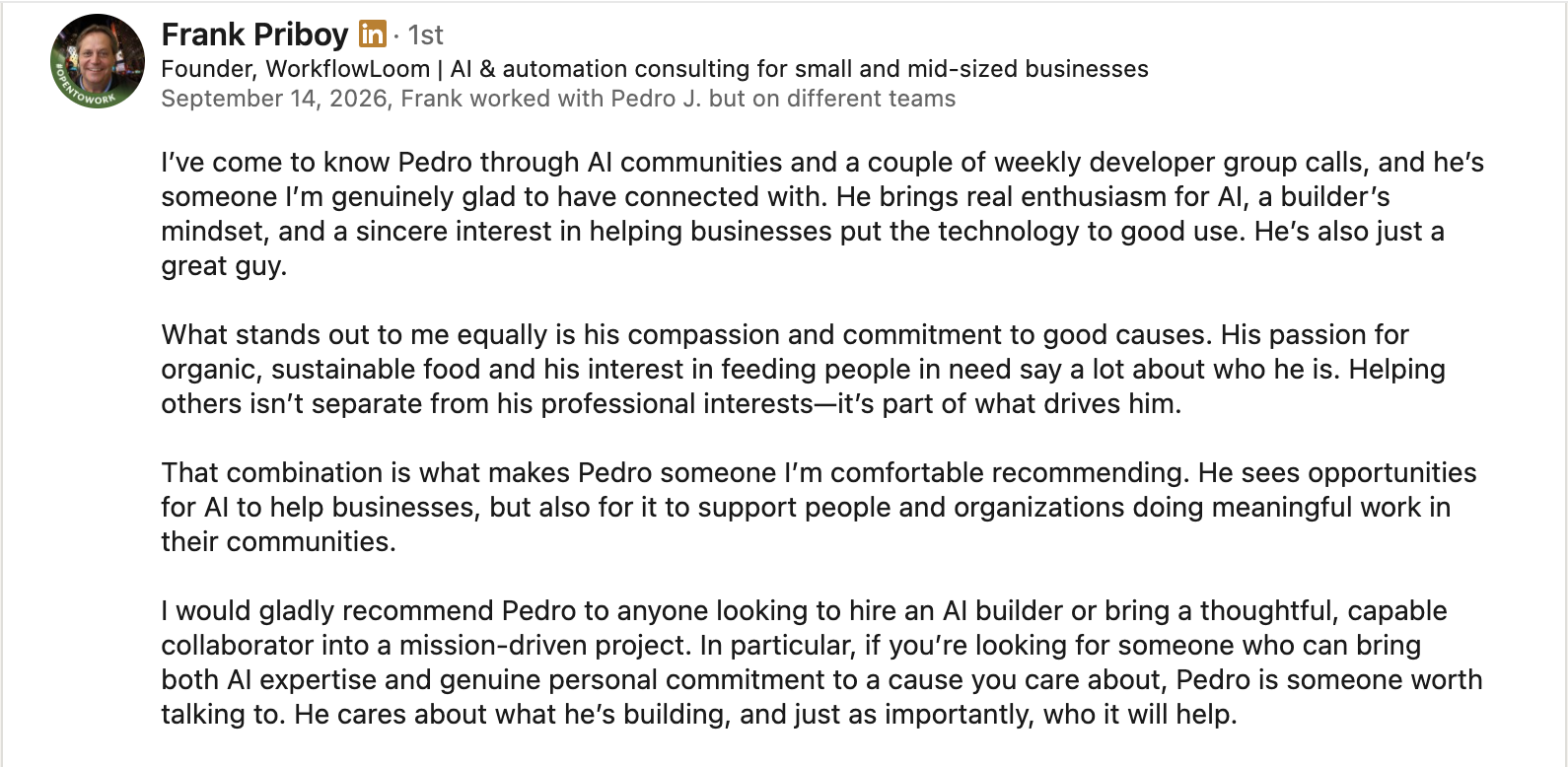
LinkedIn recommendation from Frank Priboy, Founder, WorkflowLoom: I've come to know Pedro through AI communities and a couple of weekly developer group calls. He brings real enthusiasm for AI, a builder's mindset, and a sincere interest in helping businesses put the technology to good use. I would gladly recommend Pedro to anyone looking to hire an AI builder.

Frank Priboy, Founder, WorkflowLoom · LinkedIn

As a trained chef and solo founder, he understands hard weeks from the inside, and he turns that into practical tools people can actually use.
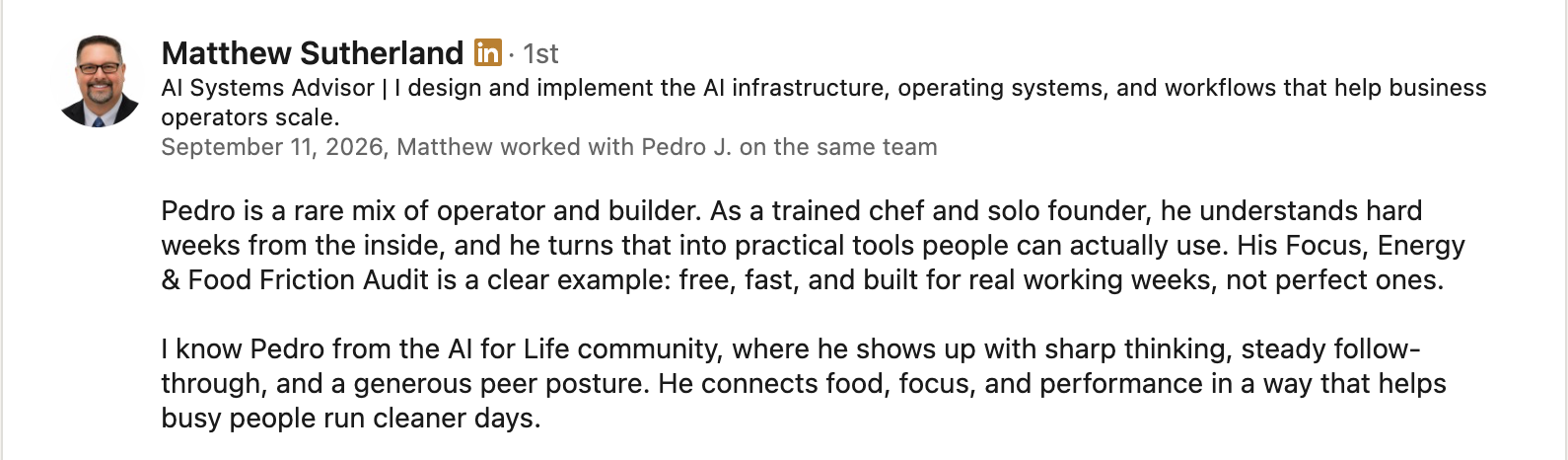
LinkedIn recommendation from Matthew Sutherland, AI Systems Advisor: Pedro is a rare mix of operator and builder. As a trained chef and solo founder, he understands hard weeks from the inside, and he turns that into practical tools people can actually use. He shows up with sharp thinking, steady follow-through, and a generous peer posture.

Matthew Sutherland, AI Systems Advisor · LinkedIn

Your files stay safe

The rules every session runs on.

Copies only

You work on copies. Your originals never get touched.

Ask before acting

A guardrail in your working-style file tells Claude to ask before it moves, changes, or sends anything. It's a guardrail, not a lock. That's why you work on copies.

No sensitive data

No client PII or financial documents. 20 files max.

Paid plan, training off

Everything you type goes to the company that runs your AI. Use a paid plan for work, and turn off the setting that lets your chats train future models.

Before you join

Good things to ask.

I'm not technical at all. Will I be lost?

No. There's no coding and no Claude Code. Everything is folders, files, and plain-language instructions. If you can use a laptop and copy files into a folder, you can do this.

What if my backlog has sensitive client information?

Don't bring it. Copies only, 20 files max, and no client PII or financial documents. If your backlog doesn't fit that, we'll pick a different one together or I'll give you a sample folder to practice on.

Can Claude delete or move my files without asking?

In the session we add a guardrail to your working-style file that tells Claude to ask before it moves or changes anything. It's an instruction, not a lock, so you also work only on copies. Your originals stay untouched, and you review what it does.

What do I need to bring?

Four things, listed in the pre-work section: a paid Claude account with the desktop app and training turned off, one backlog copied into a folder, sensitive documents removed, and 2 to 3 samples of your own writing.

Mac or Windows?

Either, as long as the Claude desktop app runs on it. An iPad or Chromebook won't work.

Is there a catch?

No. One payment, no recurring charge from me. Your Claude plan is billed by Anthropic, the same as today. The next-step offer at the end is optional, and saying no changes nothing about your setup or guarantee.

What if I can't make it, or the date moves?

Your seat moves to the next cohort. Just let me know by end of day November 11, the same day pre-work is due. If you miss the session without telling me, the seat isn't transferable. If I ever have to move the date, your seat moves with it.

Build it with me, live.

Thursday, November 12, 2026 at 1:00 PM Eastern. Join from your laptop with one backlog copied into a folder. Leave with a first pass done and a coworker set up to keep going.

CLAIM YOUR SEAT

Payment sends a confirmation email with the meeting link.

↑
CLAIM YOUR SEAT